


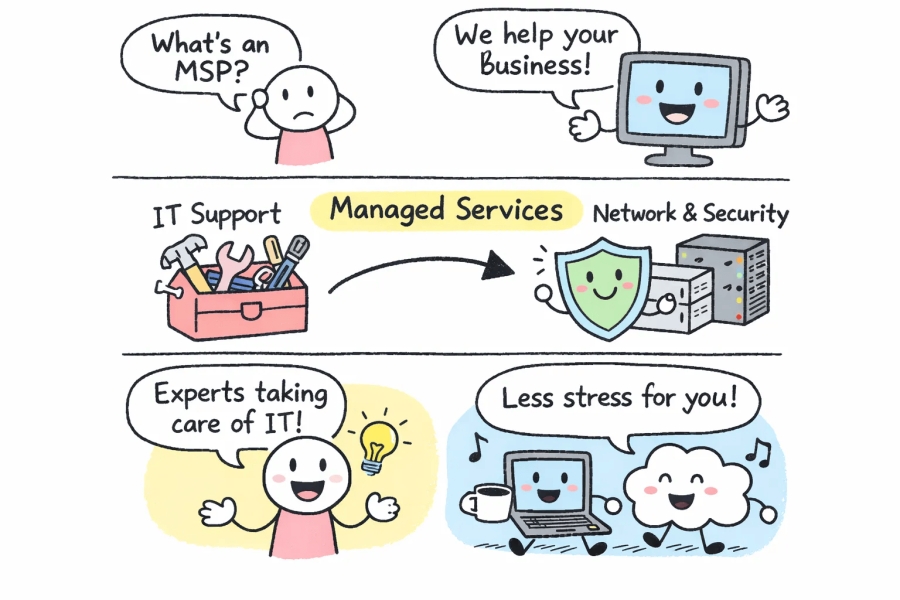
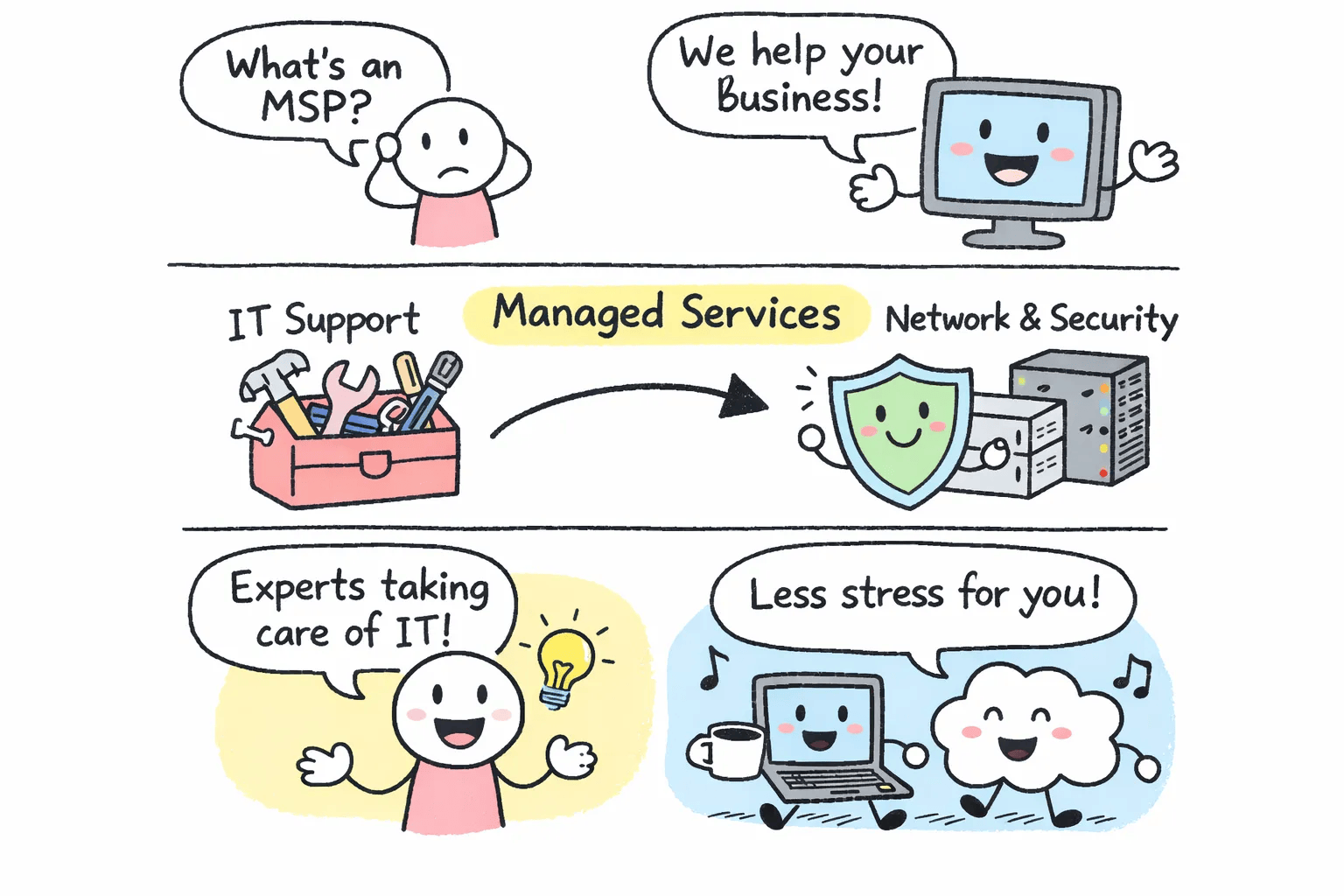
A managed service provider is a third-party company that takes ongoing responsibility for your business's IT systems under a subscription agreement, in exchange for a predictable monthly fee. They don't wait for your server to crash before showing up. They monitor, maintain, and manage your technology continuously so problems get caught before they become expensive emergencies. That's the core idea, and everything else flows from it.
Companies like ITM Premier , a Toronto-based managed IT provider, have built their entire business model around this approach, serving small and mid-sized businesses across the GTA with proactive monitoring, help desk support, and cybersecurity under a single monthly service. This guide covers what a managed service provider actually does, how it compares to other IT arrangements, what pricing looks like, and the questions worth asking before you sign anything.
What "managed service provider" actually means in plain terms
The word "managed" is doing the heavy lifting here. It means the provider takes ownership of your IT environment on an ongoing basis, not just when something breaks. If you want a concise external definition, see what is an MSP. They monitor your systems, apply patches, manage security, and handle day-to-day issues under a service level agreement (SLA) that defines exactly what you get: response times, uptime guarantees, and a clear scope of what's covered.
An SLA isn't just legal paperwork. It's the mechanism that keeps the provider accountable. A properly written SLA specifies how fast they'll respond to a critical issue (typically within 15, 30 minutes), how long resolution should take, and what happens if they miss those targets. You should be able to see these metrics at any time, not just receive a quarterly report that says everything went fine.
The shift from waiting for problems to preventing them
The fundamental philosophy behind managed services is prevention over reaction. Most businesses still operate on the old model: something breaks, someone notices, they call for help, they wait, they pay the bill. It's expensive and disruptive, and the person you're calling has no financial incentive to stop it from happening again.
Managed service providers use RMM (remote monitoring and management) software to watch your systems around the clock. Lightweight agents run on your devices and servers, continuously collecting data on performance, disk space, patch status, security configuration, and dozens of other metrics. When something drifts outside normal parameters, the provider sees an alert and acts before the issue escalates. Most of the time, the problem gets resolved before you even know it existed.
How the subscription model works
Instead of paying emergency rates every time something goes wrong, you pay a fixed monthly fee that covers the services defined in your agreement. That fee stays the same whether it's a quiet month or a chaotic one. For small businesses managing tight budgets, this predictability matters. You can plan for IT costs the same way you plan for rent or payroll, without worrying about a surprise invoice because a server failed on a Friday afternoon.
What is an MSP? Core services most providers handle
Most reputable providers cover the same foundational areas, though the depth and quality vary considerably. A complete managed IT offering for a small business typically bundles continuous monitoring, help desk support, cybersecurity, backup and disaster recovery, and cloud management into one agreement. ITM Premier structures their service mix this way, every layer covered under a single contract, so there are no gaps where a problem falls through because "that's not in scope."
Monitoring, help desk, and day-to-day IT management
Remote monitoring means your provider sees system alerts, patch needs, and performance issues before you do. A server running low on disk space, a workstation missing a critical security update, a network device behaving strangely: these get flagged and addressed automatically or through a quick remote session. Your team never knows the issue existed.
Help desk support is the human layer on top of the monitoring. When your staff run into problems, they call or submit a ticket and get a real response fast, often same-day, with on-site visits for anything urgent enough to require them. This layer alone eliminates the recurring IT headaches that slow down small teams and eat hours out of the workweek.
Cybersecurity, backup, and cloud management
A modern provider's security capabilities include threat detection, endpoint protection, and regular security assessments. This isn't just antivirus software running on desktops. It's a layered approach that covers how devices communicate, how users authenticate, and how the business would respond if something was compromised. For small businesses, this level of protection used to require an enterprise budget. The IT outsourcing model that MSPs pioneered makes it accessible.
Backup and disaster recovery goes further than most people realize. A simple file backup gets your data back. A full disaster recovery plan gets your business back: applications running, staff able to work, operations continuing. The difference matters enormously when you're facing a ransomware attack or a hardware failure that hits at the worst possible moment. Cloud and Microsoft 365 management rounds out the picture, with providers handling configuration, licensing, security settings, and ongoing maintenance so your staff can use the tools without IT friction or wasted licenses.
How an MSP compares to other IT support options
If you already have some form of IT support, you might be wondering what actually changes when you move to a managed services model. The answer depends on your current setup, and for most small businesses, the differences turn out to be significant.
MSP vs. break-fix: what changes when IT becomes proactive
Break-fix is the pay-per-incident model. Something breaks, you call someone, you pay for their time, they fix it, they leave. There's no ongoing relationship, no monitoring, and no accountability for what happens next. The provider has zero financial incentive to prevent problems because every failure is a billable event for them.
Managed service providers are financially motivated to keep your systems healthy because their margin depends on preventing issues, not billing for them. The less time they spend firefighting your problems, the better their business runs. That alignment of incentives is one of the most underappreciated advantages of the managed services model.
MSP vs. in-house IT teams
In-house IT makes sense at a certain scale. For most businesses under 50 employees, the math doesn't work. A single full-time IT person costs $65,000, $90,000 in salary alone, and one hire can't realistically cover every domain your business needs: networking, security, cloud, compliance, disaster recovery, Microsoft 365. You get one person's knowledge base, and zero coverage when they're sick, on vacation, or decide to leave.
A managed IT provider brings a full team of specialists under one monthly fee. Security questions go to someone who specializes in security. Cloud migrations get handled by someone who lives in that space daily. Coverage extends to nights and weekends without the business needing to hire around those gaps. For small and mid-sized businesses, this is simply a better use of money than building an internal team too thin to be effective. If you're weighing options, see guidance on when to hire an in-house IT vs a managed service provider.
MSP vs. MSSP: security focus vs. full IT ownership
A managed security service provider (MSSP) focuses exclusively on cybersecurity, operating from a dedicated security operations center with advanced threat detection, SIEM tools, and incident response capabilities. An MSP manages the full IT environment, with security built in as one layer rather than the entire scope of work. Understanding the MSP meaning versus MSSP distinction helps you match the right model to your actual needs; for a clear comparison, read this MSP vs MSSP overview.
For most small businesses, a strong provider with solid security capabilities covers both needs effectively. An MSSP is typically layered on top for enterprises with complex compliance requirements, healthcare organizations navigating strict regulatory frameworks, or financial firms with sophisticated threat profiles. If you're running a 20-person accounting firm, a well-equipped managed IT partner is the right starting point.
What MSP pricing looks like for small businesses
The most common reaction when businesses start researching managed IT is: "I have no idea what this costs." The honest answer is that pricing varies, but it's far more predictable than what you're probably spending now in accumulated break-fix bills, lost productivity, and IT-related downtime.
The main pricing structures you'll encounter
Most providers use one of four models, and understanding them makes it easier to compare quotes side by side:
- Per-user pricing: A flat monthly fee per employee, covering all their devices. Typical range is $95, $180 per user per month. Works well for businesses where staff use multiple devices.
- Per-device pricing: A fee per device type, with workstations priced differently than servers or printers. Better for businesses with shared workstations or device-heavy environments.
- Flat-fee (all-inclusive): One fixed monthly rate covering everything in scope. Easiest to budget, but requires both sides to define scope carefully upfront.
- Tiered packages: Bronze, silver, and gold-style bundles where you choose your service level and scale up over time. Common for growing companies that want flexibility.
For a detailed look at common pricing approaches and what vendors typically include, see this guide on managed IT services pricing.
What drives your actual monthly cost
The variables that move the number are straightforward: how many users or devices you have, which services are included in your package, and whether on-site support is part of the agreement. Most small businesses with under 50 employees land in the $100, $175 per user per month range for fully managed services that include monitoring, help desk, security, and backup.
That number needs to be weighed against the cost of not having it. Industry estimates consistently put ransomware recovery costs in the tens of thousands of dollars for small businesses, not counting lost revenue during downtime. A few hours of unexpected outage in a professional services firm can cost more than a full month of managed IT. The real comparison isn't between managed IT and free, it's between managed IT and the irregular, unpredictable costs of reactive support.
Questions worth asking before you hire an MSP
You now understand what managed services are, how they're priced, and how they compare to alternatives. The last step is knowing how to evaluate whether a specific provider is actually good at what they claim. The right questions separate providers with genuine operational maturity from those selling the concept without the infrastructure to deliver it.
Questions that reveal technical depth and accountability
Ask how they monitor systems and what happens when an alert fires at 2 a.m. on a Sunday. The answer reveals whether their 24/7 monitoring is a real operational capability or a marketing line with no one behind it. An honest answer will describe specific escalation procedures, on-call rotations, and response protocols.
Ask for their average response time and resolution rate, and whether those metrics are visible to you in a client portal or regular reporting. A credible provider tracks these numbers and will share them without hesitation. Vagueness here is a red flag. Also ask what their onboarding process looks like and how long it typically takes before your systems are fully under management. A clear, structured answer indicates operational maturity. A shrug indicates otherwise.
Questions that reveal fit and process
Ask how they handle situations that fall outside the scope of your SLA. This question reveals a lot about how transparent and flexible they are in practice, because edge cases are inevitable. A provider that handles them cleanly and communicates clearly is a much better long-term partner than one that hides behind contract language.
Ask for references from businesses similar to yours in size and industry. A provider that serves a 10-person law firm and a 200-person manufacturer serves very different clients, and that difference matters when something goes wrong at 4 p.m. on a Tuesday. Finally, ask what their off-boarding process looks like. If the response is defensive or evasive, that tells you something important about the kind of partnership they're actually offering.
Is an MSP the right fit for your business?
At this point, the decision mostly comes down to priorities. If unpredictable IT costs, recurring downtime, or security gaps are real friction points in how your business runs, a managed service provider directly addresses all three. The model works because the incentives line up: your provider succeeds when your systems run well, which means their goals and yours are pointing in the same direction. That's a meaningfully different relationship than break-fix, a stretched internal hire, or a security-only vendor.
Now that you know what an MSP is and what to look for, you're in a much better position to evaluate your options. For small businesses in the GTA looking for this kind of proactive IT partnership, ITM Premier is built specifically around this model, offering 24/7 monitoring, fast help desk response, cybersecurity, backup and disaster recovery, and Microsoft 365 management with no long-term contract requirements. The goal is straightforward: keep your systems running so you can keep serving your customers, with predictable costs and no surprise repair bills.
If you're ready to stop reacting and start preventing, reach out to ITM Premier for a no-obligation conversation about what managed IT would look like for your business. You'll get a clear picture of where your IT stands, and what it would take to get it working properly for you.

